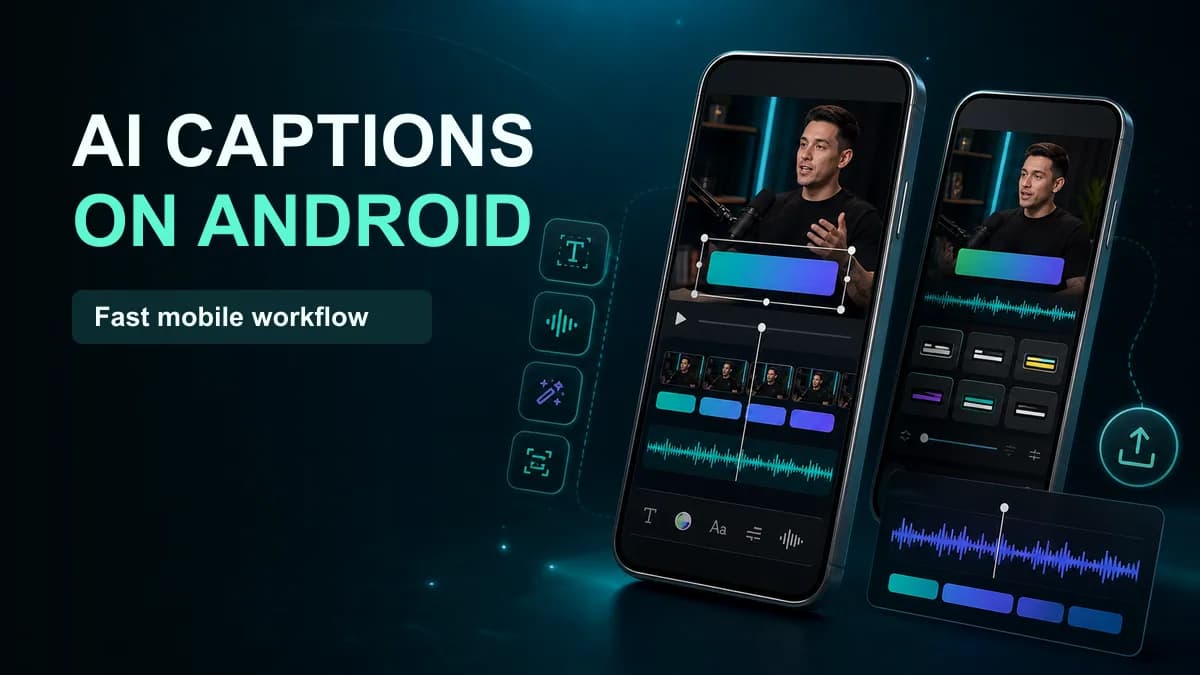













For Android social videos, start with CapCut when you want a full mobile editor, Captions/Mirage or a dedicated caption app when presenter tools and subtitle styling matter, and VEED or Canva when browser collaboration matters. Use Android Live Caption or Google Live Transcribe for accessibility—not for exporting a captioned MP4.
The matcher above separates those jobs before recommending a shortlist. A system caption overlay, an SRT file, and burned social subtitles are not interchangeable outputs.
Android caption workflows compared
| Tool or workflow | Best for | Output | Key check |
|---|---|---|---|
| CapCut | Full mobile social edit | Captioned video, project-dependent subtitle options | Feature availability, correction, export |
| Captions/Mirage | Presenter-led AI video and styled captions | Captioned social video | Android feature parity and plan |
| VEED | Browser/mobile team workflow | Captioned video and plan-dependent files | Upload, privacy, render limits |
| Canva | Branded template video | Captioned design/video | Timeline correction on long speech |
| Dedicated caption-only apps | Fast single-purpose workflow | Usually burned video; sometimes SRT | Watermark, privacy, language, retention |
| Android Live Caption | Captions while media plays | On-screen accessibility overlay | Not saved into the video |
| Google Live Transcribe | Live speech accessibility | Real-time transcript/display | Not a social video editor |
App names, availability, subscriptions, and AI functions change quickly. Confirm the Google Play listing, official documentation, privacy policy, and export screen on the device you will actually use.
1. CapCut: best general Android editor
CapCut combines trimming, layers, effects, music, templates, and automatic captions. Its official help describes Auto Captions across mobile, desktop, and web: import the video, open Captions, select the language, generate, correct, and style.
Test names, numbers, line breaks, timing, batch styles, resolution, watermark, and the exported file. Do not assume a feature shown in a desktop tutorial exists identically on Android.
2. Captions/Mirage: best for presenter features
Captions, now associated with the Mirage product identity, offers AI-assisted presenter and video tools alongside captions. It can suit talking-head creators who want more than a basic subtitle layer.
Verify the current Android product, feature set, processing model, plan limits, and output rights. Compare correction time against a simpler editor; more AI controls do not always shorten the final review.
3. VEED: best for browser and team access
VEED allows caption generation and video editing through web workflows and mobile products. It is useful when a reviewer needs access without a desktop NLE. Measure upload time on mobile data, correction UX on a small screen, render time, and file retention.
4. Canva: best for branded templates
Canva keeps video captions beside brand kits, campaign graphics, templates, and team review. It fits list videos, announcements, and graphic-led Reels. A long interview is the stress test: inspect transcript navigation, cue timing, and bulk changes.
5. Dedicated caption apps: best for one task
Caption-only apps can be faster because they remove unrelated editing controls. Evaluate the exact product rather than the category:
- Does it upload the video or process on-device?
- Can the project and source be deleted?
- Which languages and accents were tested?
- Can you change timing and line breaks?
- Is the watermark removable and at what price?
- Does it export 1080 × 1920 at the source frame rate?
- Can it export SRT/VTT as well as a burned video?
Run the same clip through at least two apps before buying an annual plan.
6. Android Live Caption: accessibility while watching
Live Caption displays captions for supported audio playing on the device. Availability and language support depend on the Android version and manufacturer. It helps a viewer follow media but does not permanently modify the video or create a shareable caption track.
7. Google Live Transcribe: accessibility for live speech
Live Transcribe was developed for real-time accessibility and identifies speech and some sound events. Use it for live conversations and transcription support, not as a replacement for a video timeline, caption styling, and MP4 export.
Test caption quality on your Android phone
Create a one-minute file with music under speech, one proper name, one number, an accent, a speaker overlap, and both bright and dark shots. Record:
- Import or upload time.
- Recognition time.
- Incorrect words and missing phrases.
- Timing and line-break corrections.
- Style setup and safe-zone control.
- Render time, heat, battery use, and crashes.
- Export resolution, frame rate, watermark, and sync.
- Total hands-on minutes to approved output.
Watch the exported file in Google Photos and upload a private draft to the destination platform. Editor preview quality is not final-delivery quality.
Privacy questions for AI caption apps
Read the current privacy disclosure and policy. Determine whether the service receives video, extracted audio, transcript, face data, account identifiers, or analytics; where processing occurs; whether data trains models; how long it is retained; and how deletion works.
“AI on Android” does not mean on-device processing. If local processing is required, obtain an explicit product statement and test network behavior under the organization’s security process.
Android caption app FAQ
What is the best free caption app for Android?
CapCut and other editors offer free capabilities, while limits and watermarks change. Test the current export rather than relying on an old list. Android Live Caption is free for supported accessibility use but does not create captioned videos.
Can Android add subtitles automatically?
Yes. Several editors and caption apps transcribe speech automatically. Every result still needs correction for wording, timing, reading speed, and placement.
Can I caption on Android and finish on desktop?
Yes. Export a clean master plus SRT/VTT when possible, or use a project system that syncs across devices. Avoid repeatedly re-encoding the video between apps.