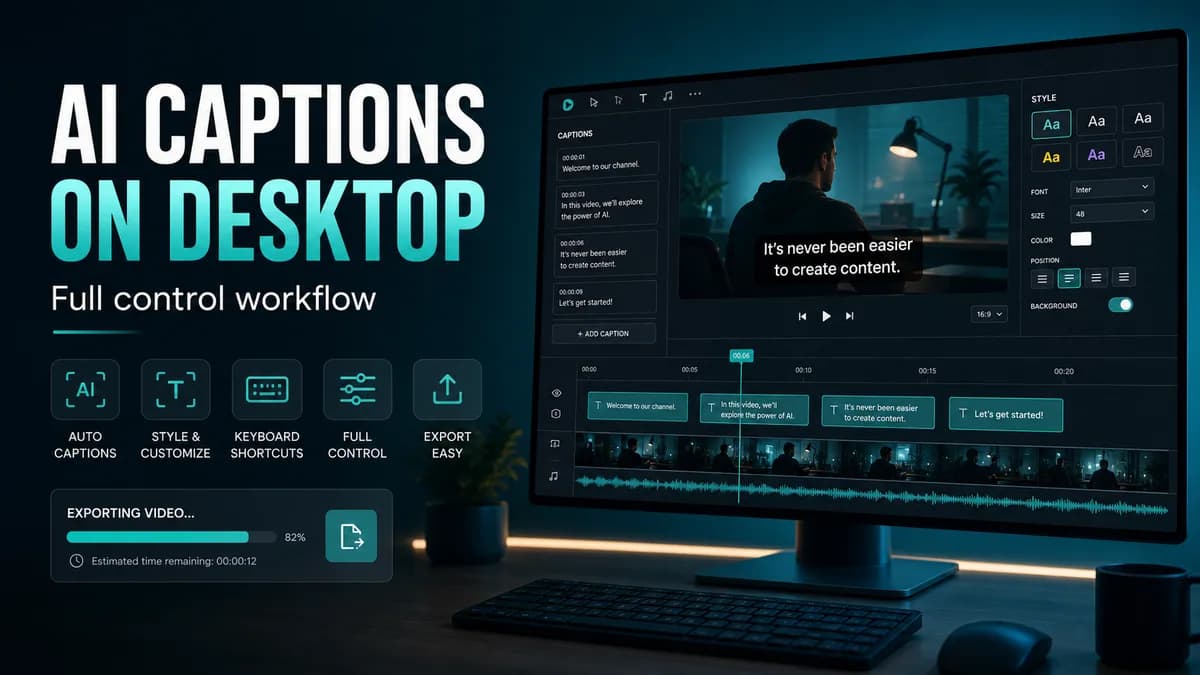













The best desktop AI caption app depends on what happens after transcription. Choose SNAPVID for fast styled short-form captions, Descript for transcript-based podcast editing, CapCut for a broad social editor, VEED or Canva for browser collaboration, and Premiere Pro, Final Cut Pro, or DaVinci Resolve when captions must stay inside a professional timeline.
Use the matcher above to create a shortlist. Then process the same real clip in two or three apps. Accuracy, correction time, styling, render speed, and exported-video quality must be measured together.
Desktop AI caption apps compared
| App | Best for | Platform | Caption workflow | Important test |
|---|---|---|---|---|
| SNAPVID | Styled shorts at repeatable speed | Web, Windows, macOS, Linux | Generate, correct, style, export | Brand consistency across many clips |
| Descript | Podcasts and interviews | Desktop, web | Edit media through transcript | Visual/audio joins after text edits |
| CapCut | General social editing | Windows, macOS, web | Auto captions plus templates | Feature parity by device and region |
| VEED | Browser teams | Web | Generate, translate, style, review | Plan limits, upload and render time |
| Canva | Brand templates and approvals | Web, desktop app | Captions inside design workflow | Long-timeline correction efficiency |
| Premiere Pro | Professional post-production | Windows, macOS | Speech-to-text in NLE sequence | Caption track, graphics, and export setup |
| Final Cut Pro / DaVinci Resolve | Local timeline workflows | macOS / desktop | Integrated captions and editing | Version-specific caption features |
Pricing and product scope change frequently. Confirm supported languages, project limits, export resolution, watermark, translation, storage, and commercial terms on the current product page.
1. SNAPVID: best for repeatable short-form captions
SNAPVID focuses on the finished short: framing, captions, pace, and export. It is a strong fit when creators or teams need a recognizable caption style across TikTok, Reels, and Shorts without treating every clip as a new motion-graphics project.
Test a batch rather than one clip. The advantage should appear in correction, style reuse, and output consistency over several videos.
2. Descript: best for transcript-first editing
Descript makes the transcript the editing interface. Removing words can remove the corresponding media, which speeds up interviews, podcasts, tutorials, and talking-head content. It also offers captioning and audio cleanup.
Review every join after deleting text. Transcript logic can hide an awkward visual jump, breath, room-tone change, or incomplete reaction.
3. CapCut: best all-round social editor
CapCut’s desktop, web, and mobile versions include automatic captions and social-video editing tools. It suits creators who want captions, effects, templates, layers, and a timeline in one product.
Availability varies. Confirm the exact desktop controls for language, speaker detection, batch styling, animation, translation, and export before building a team process around them.
4. VEED: best for a browser review workflow
VEED combines uploads, editing, captions, translation, templates, and browser-based team access. It can reduce software installation and make reviews easier for non-editors.
Benchmark upload time, long-file behavior, correction UX, rendering, storage rules, and the cost of the required output quality.
5. Canva: best for branded template content
Canva keeps captions beside brand assets, layouts, campaign templates, and approvals. It works well for short announcements and graphic-led video. Dense interviews may expose limitations in timeline precision or bulk correction, so include one in the test.
6. Premiere Pro: best for Adobe production pipelines
Premiere Pro keeps transcription, captions, graphics, audio, color, and the final sequence in one professional project. It is valuable when the editor already works in Adobe or must deliver multiple masters.
Create caption-track presets, text styles, safe-zone guides, and export presets. Otherwise, professional flexibility can turn into repetitive setup.
7. Final Cut Pro or DaVinci Resolve: best for an integrated local edit
Final Cut Pro is the natural Mac choice for editors already using its magnetic timeline. DaVinci Resolve combines editing, color, Fusion, and Fairlight across desktop platforms. Caption functions change between versions, so test the installed build rather than relying on an old comparison.
How to run a reliable caption-app test
Use a one-minute file containing:
- One proper name and one product name.
- A price, date, or percentage.
- Music under speech.
- A speaker interruption.
- A bright and dark background.
- A sentence fast enough to stress line breaking.
Measure transcription time, number of word corrections, timing fixes, line-break fixes, style setup, render time, upload time, export resolution, and total hands-on minutes. Watch the result muted on a phone and compare it with the clean master.
Features that matter beyond transcription
Correction speed
Search and replace, keyboard navigation, timeline scrubbing, speaker grouping, and batch edits matter more over time than a small accuracy difference.
Readable line breaking
The app should keep short phrases together, limit line count, and avoid dense cards. Animated word highlights need accurate word timestamps, not only segment timing.
Project and export control
Check clean export, burned captions, SRT/VTT download, multiple aspect ratios, custom fonts, brand presets, frame rate, bitrate, and watermark.
Privacy and retention
Determine whether media is uploaded, the processing region, retention duration, training policy, deletion controls, and access available to team members.
Desktop caption app FAQ
What is the best AI caption app for Windows?
SNAPVID and CapCut are practical for social video; Descript is strong for transcript editing; Premiere Pro and DaVinci Resolve suit professional timelines. The best choice depends on the final output and existing editor.
What is the best AI caption app for Mac?
The same shortlist applies, with Final Cut Pro added for an Apple-centered local workflow. Test the current macOS version and required language.
Should I use an app or a browser caption tool?
Use a browser tool for easy access and collaboration. Use a local NLE when media policy, offline work, complex editing, or integration with an existing post-production project matters.