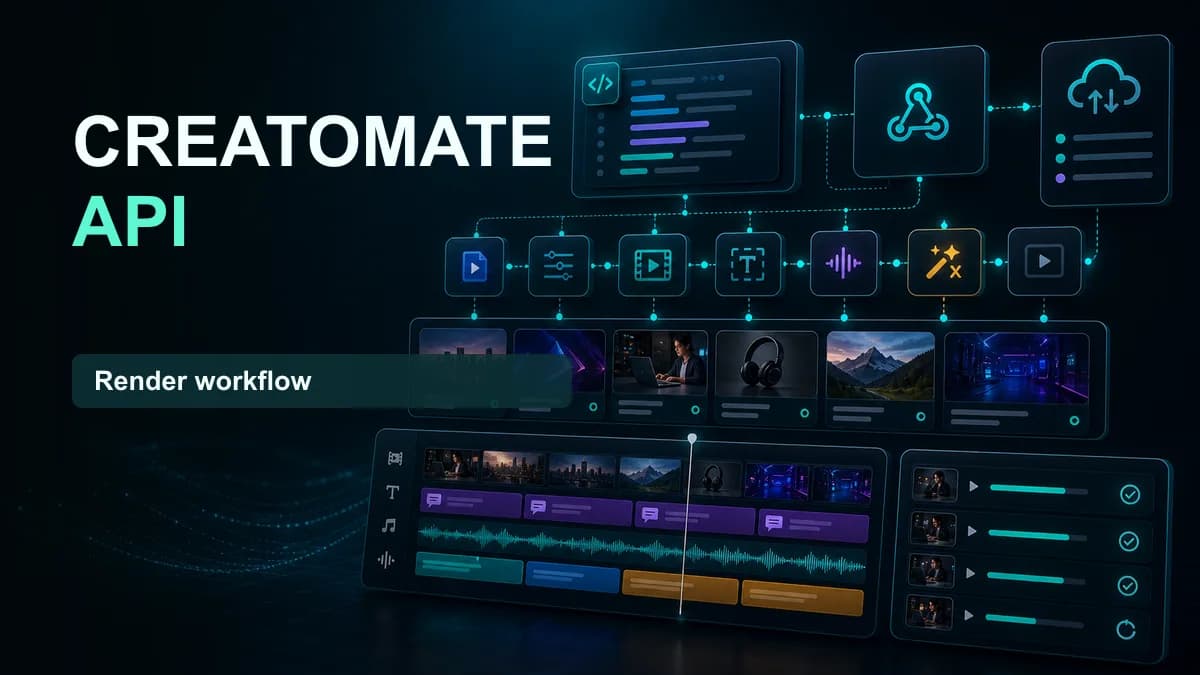













Creatomate is a template-based media generation platform with a REST API, webhooks, no-code integrations, and a browser preview SDK. It is a sensible option when structured data must produce many consistent images or videos. It is not automatically the best fit for editing real speech into social clips.
The right alternative depends on whether you need deterministic rendering, AI-assisted editing, generative scenes, or a complete short-form workflow.
What to compare before choosing an alternative
Define one production job in technical terms: accepted source, variable data, output format, maximum wait time, review step, storage destination, and retry policy. Then test every provider with that same job.
Track more than render speed. Compare template flexibility, caption accuracy, media ingestion, webhooks, rate limits, concurrency, storage lifetime, regional availability, support, and cost per approved result.
Choose SNAPVID for footage-first short-form editing
SNAPVID fits workflows that begin with recorded footage and end with captioned Shorts, Reels, or TikToks. Use it when the hard part is selecting a clear moment, tightening speech, styling captions, pacing the edit, and delivering a social-ready output.
It is a more focused choice than a general rendering API. If your application needs to build arbitrary compositions from JSON, a template renderer may provide more low-level control.
Choose Shotstack for programmable timeline rendering
Shotstack is worth evaluating when developers want cloud rendering around a JSON-defined timeline. Test how comfortably the timeline model expresses your layouts, how previews work, which assets are supported, and how render queues behave under load.
The engineering question is not whether it can render a video; it is how much application logic your team must own around templates, validation, retries, and final review.
Choose Remotion when video should live in your codebase
Remotion lets React developers describe video with components and render it programmatically. It can be a strong fit when the team already has front-end engineering skills, needs version-controlled visuals, and wants complete ownership of the composition logic.
That control also means owning implementation, rendering infrastructure, media handling, testing, and maintenance. Include engineering time in the cost comparison.
Choose a no-code route for operations-led automation
If marketers or operations staff own the workflow, first test whether a native Zapier, Make, or n8n integration can complete the job without a custom service. A visible workflow is often easier to maintain, but it still needs error alerts, input validation, and a clear owner.
No-code is not automatically simpler at scale. Long chains can hide retries, duplicate jobs, and unexpected usage costs, so keep the critical render state in one system of record.
A safe API proof of concept
- Process one representative source from start to finish.
- Store the provider's job ID and your own idempotency key.
- Handle success, validation failure, timeout, and provider outage separately.
- Copy finished assets to storage you control before provider links expire.
- Review the output on the actual destination platform.
- Calculate cost per approved asset, not per API request.
Confirm current limits and pricing in each provider's official documentation before migration. The best alternative is the one that makes your specific output reliable with the least custom glue and review work.