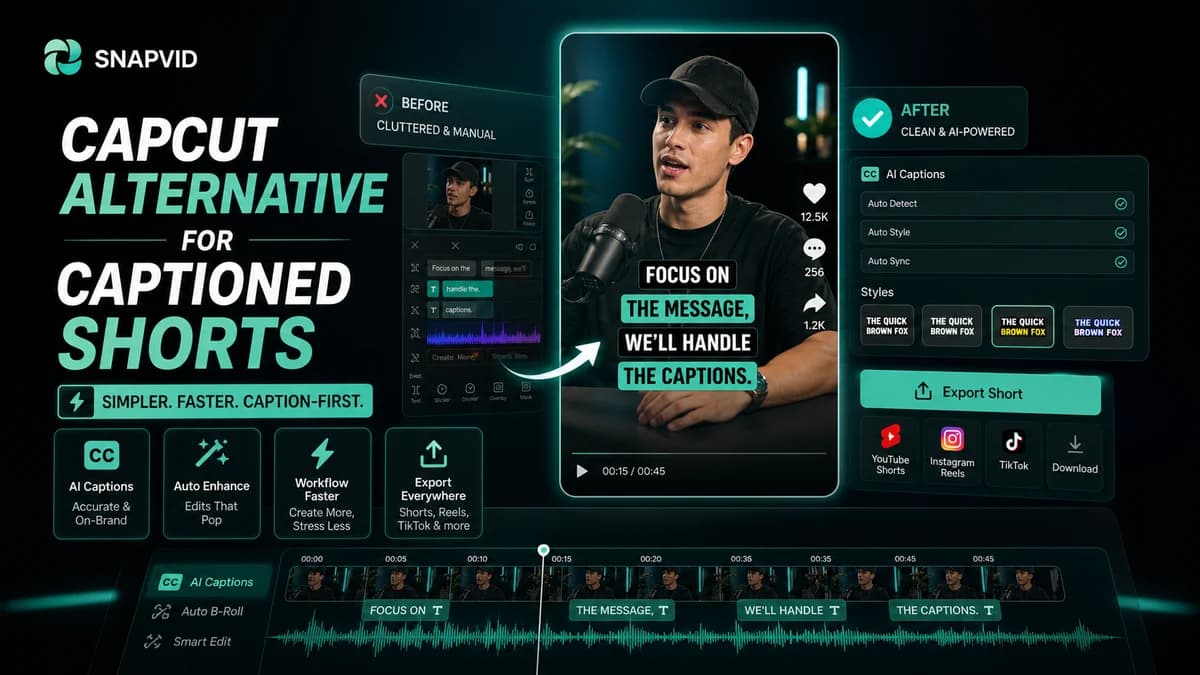













CapCut is popular because it gives creators a familiar editing canvas and a large ecosystem of social video effects.
But not every creator needs a broad editor for every short. Sometimes the real job is simpler: turn a recording into a clean, captioned clip quickly and repeat that process tomorrow.
When CapCut makes sense
CapCut is useful when you want hands-on editing, templates, effects, and a flexible mobile-first editor.
It can be a good fit for creators who enjoy spending more time inside the timeline and want a wide range of creative controls.
When a focused alternative is faster
If the work repeats every week, the broad tool can become slower than a focused workflow. Captions, hooks, pacing, and exports become the parts that matter most.
SNAPVID is designed for creators who want to reduce repeated setup and keep short-form output moving.
What to compare
Compare time to first draft, subtitle readability, the number of cleanup steps, and whether the final video looks consistent with your brand.
Do not compare feature lists only. The best tool is the one that helps you publish more good videos without adding hidden manual work.
How SNAPVID fits
SNAPVID focuses on caption-led short-form production. It gives creators a direct path from idea or footage to a social-ready short.
That makes it useful for founders, coaches, agencies, and creators who need a repeatable system rather than a one-off edit.
Final take
Use CapCut when you want a broad creator editor. Use SNAPVID when the priority is faster captioned shorts and a cleaner production loop.
When a focused alternative helps
A broad editor is useful when you need total manual control. A focused short-form workflow is better when the same team needs to publish more clips with less repeated setup.
If the bottleneck is caption cleanup, hook clarity, or turning raw talking-head footage into a publishable short, SNAPVID can sit closer to the actual publishing job.
Migration checklist
Start with one recurring format, not your whole content library. Rebuild that format in SNAPVID, compare the time to first draft, then check whether the exported short still feels native to TikTok, Reels, or Shorts.
The right alternative should reduce friction without forcing the creator to abandon the parts of their workflow that already work.
Decide with one real production test
The easiest way to compare workflows is to run the same raw clip through both systems. Measure how long it takes to reach a clean draft, how many caption edits are needed, and whether the final short looks consistent with your brand.
A good alternative should make the next batch faster, not only make the first test feel different.