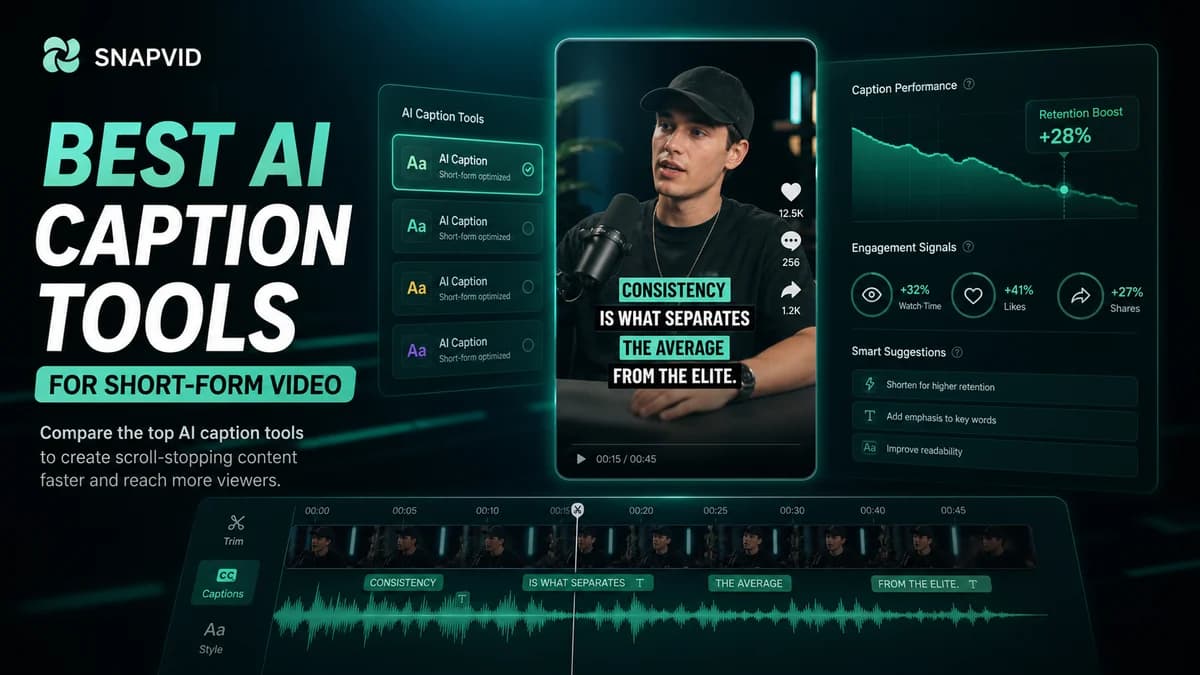













AI captions are no longer a finishing touch. For short-form video, they are part of the viewing experience.
The best caption workflow helps people understand the first seconds, follow the main idea, and stay oriented even when the video is muted.
What makes an AI caption tool useful
A good caption tool should be fast, readable, and easy to repeat. The workflow needs to move from transcript to styled subtitles without forcing creators into a heavy editing process.
Look for accurate transcription, editable text, visual styling, export options, and a way to keep caption design consistent across videos.
The short list of tools creators compare
Creators often compare SNAPVID with CapCut, Opus Clip, Captions, VEED, Descript, Riverside, Klap, SendShort, Kapwing, and Zubtitle.
Each product can help with part of the workflow. The best choice depends on whether you need a full editing suite, automatic clipping, transcription, or a caption-first short-form workflow.
Where SNAPVID fits
SNAPVID is strongest when the job is repeated short-form production. It is built around the path from raw footage to captioned social video.
That means hooks, scripts, subtitles, pacing, and export decisions stay connected instead of living in separate tools.
How to evaluate tools before switching
Start with one real video. Run it through each workflow and compare the time to first draft, the caption quality, the amount of manual cleanup, and the final look on mobile.
The right tool should make the next ten videos easier, not only the first one impressive.
Final recommendation
If you mostly need a broad video editor, a general editing platform can make sense. If your priority is publishing more captioned shorts with less repeated setup, SNAPVID is the more focused workflow to test first.
Build a repeatable caption workflow
The most important test is not whether a tool can create one impressive export. It is whether the same process works again tomorrow, with a new hook, a new speaker, and a different platform.
Use the same review loop for every video: check the first caption, fix names and numbers, tighten line breaks, then watch the clip muted. If the idea still lands without sound, the caption layer is doing its job.
Metrics to watch
Track completion rate, rewatches, and the drop-off in the first three seconds. Captions will not rescue a weak idea, but they can make a strong idea easier to understand quickly.
When a caption style performs well, save it as a repeatable pattern instead of redesigning the system for every upload.